Setting server wide PHP variables using Multi-PHP Manager
Login to WHM
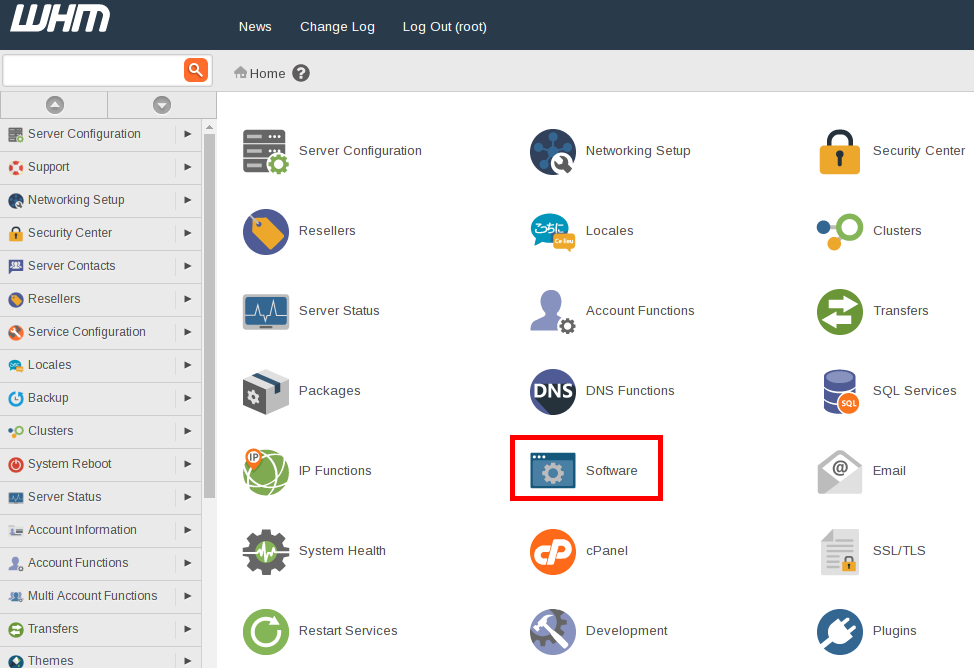
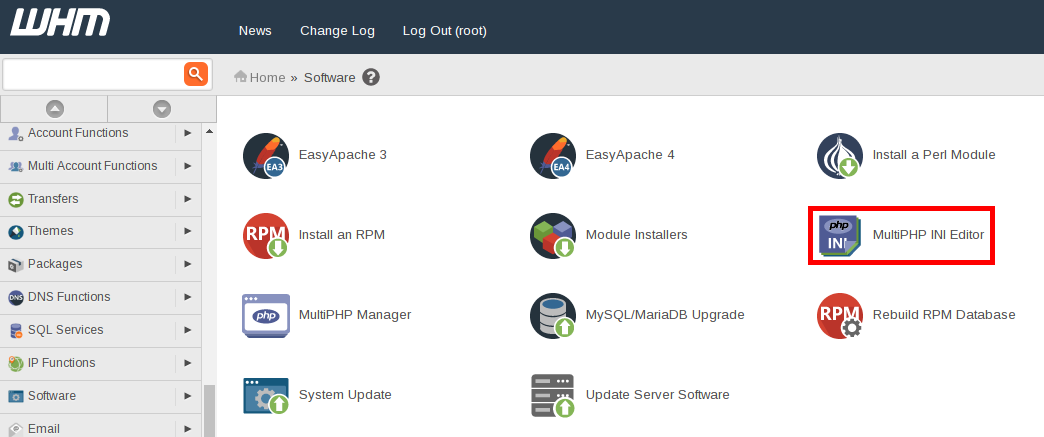
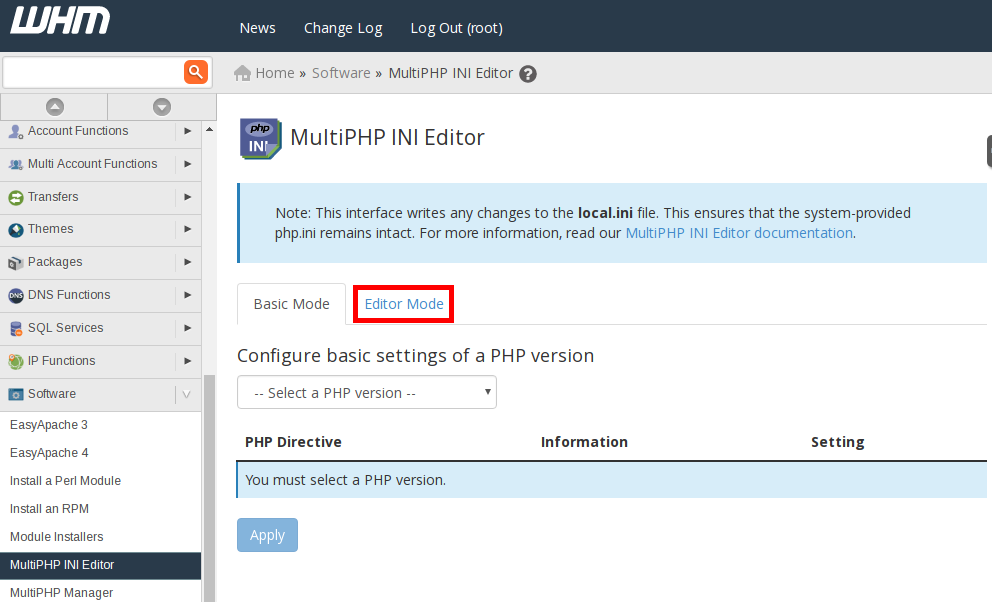
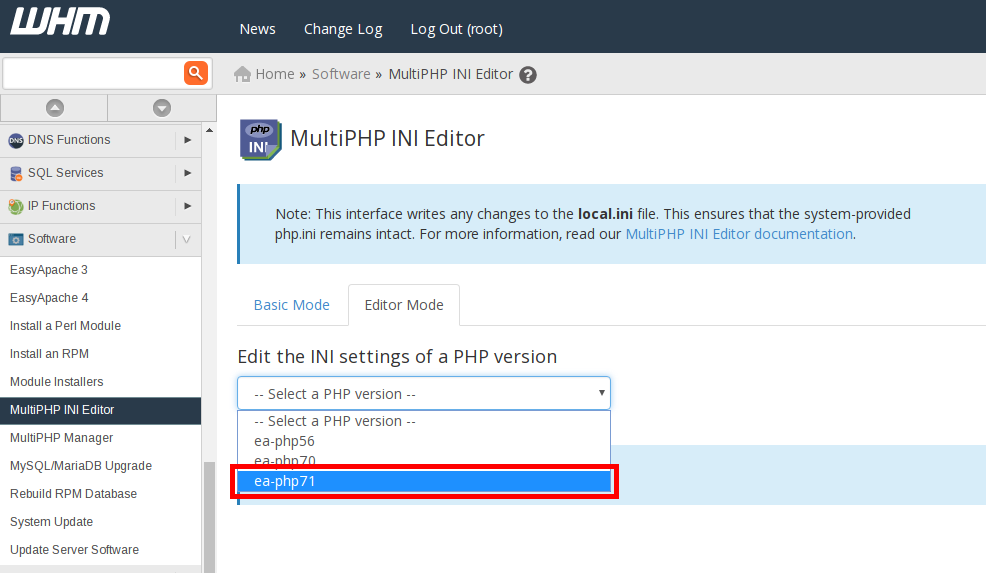
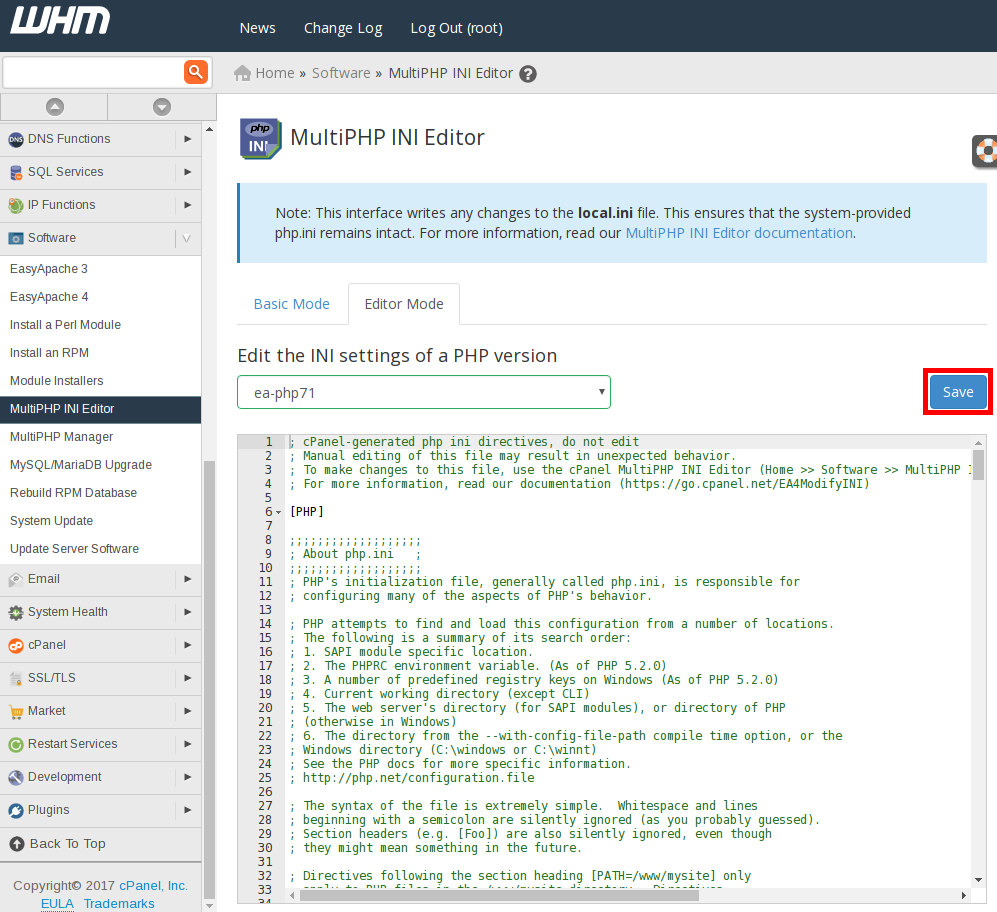
Click on the Software iconClick on the MultiPHP INI Editor iconIn the top-left hand section of the MultiPHP INI Editor page, click on Editor ModeUnder Edit the INI settings of a PHP version click the dropdown menu that says — Select a PHP version Select the PHP version you would like to make changes to




 – A WIPL Company